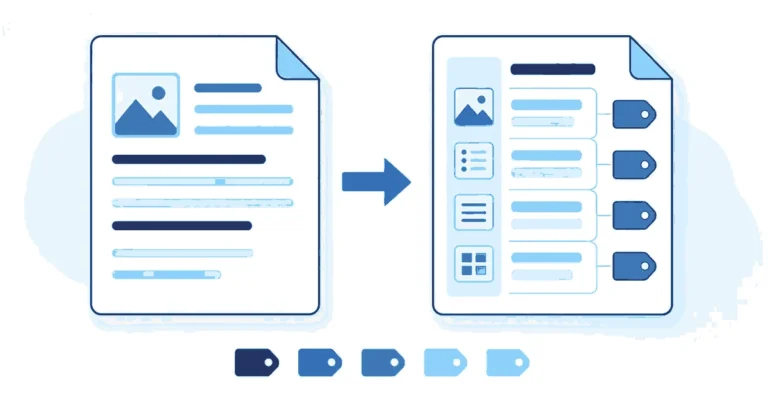
Document Accessibility

Latest articles & news

Latest articles

Document Accessibility

Accessible Word Document vs PDF: Where to Start

The short answer: start with the Word file. An accessible Word document, with real headings, alt text, built-in lists, simple tables and a set language, exports to a tagged PDF that needs only a final check. Fix the PDF directly only when you have no source file, when the PDF was scanned, or when it […]


Document Accessibility

Document Accessibility Guide: How to Create Accessible Word Documents and PDFs

The short answer: an accessible document is one that a screen reader, a keyboard user or someone with low vision can read from start to finish without help. In practice that comes down to seven habits: real headings, plain language, alt text for images, readable fonts and contrast, simple tables, built-in lists, and descriptive links. […]

Document Accessibility

PDF Accessibility rules WCAG 2.0

Presentation PDF represents “Portable Document Format”. These records determine the presence of pages in a report in a solid, gadget-free way. The Adobe System was presented in 1993 as a freely accessible norm, and in July 2008, PDF 1.7 turned into an ISO standard. The Portable Document Format is a record design for addressing archives […]